

Website deployment
Connect Cloudflare for website deployment
Connect Cloudflare to Skro for domain verification and DNS configuration during website deployment.
This API integrations gives you the ability to create DNS records automatically for domain verification and website distribution.
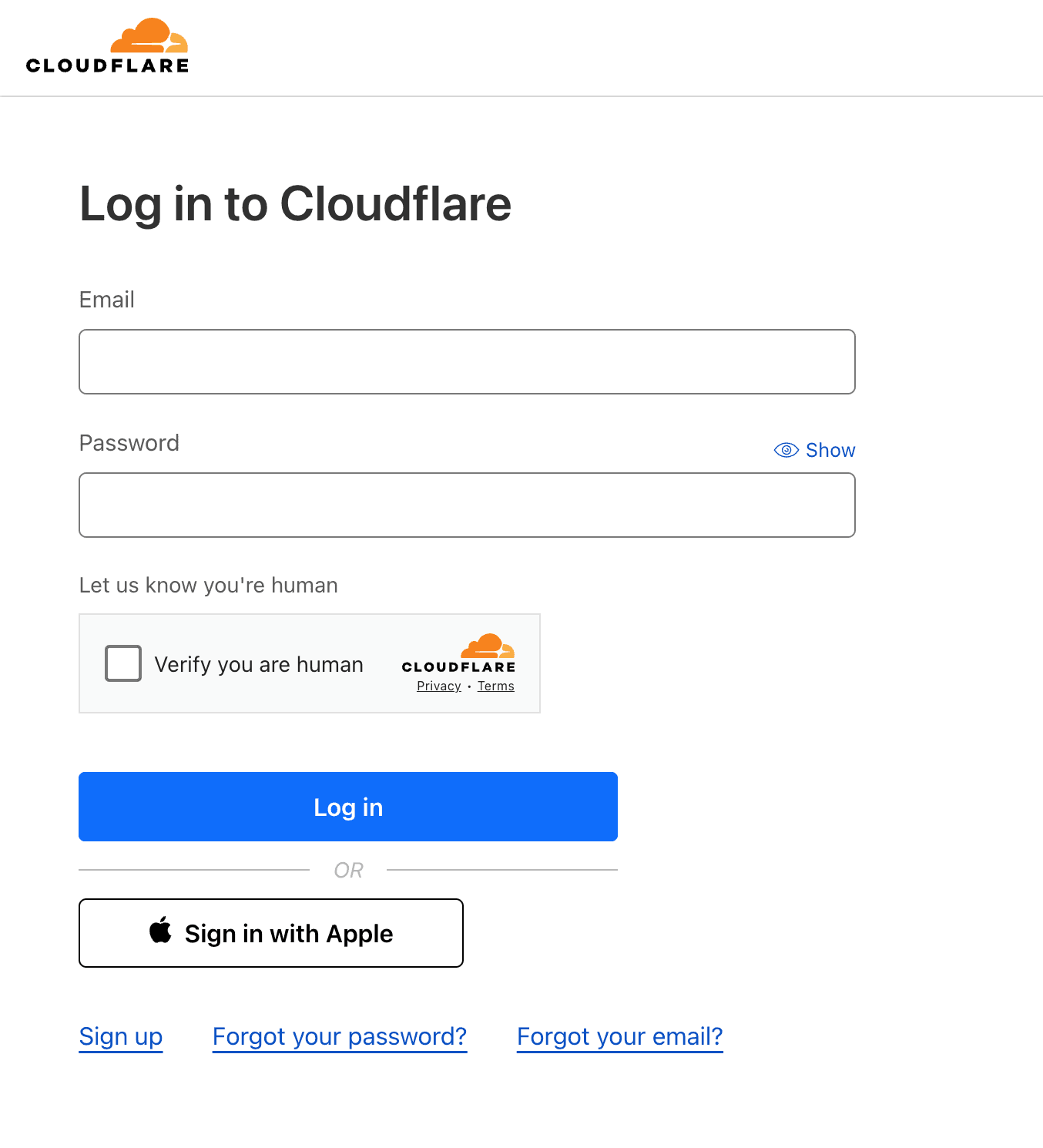
Step 1. Log in to your Cloudflare account or create a new one
-
Go to the https://cloudflare.com web-page.
-
Log in to your account or create a new one.
Step 2. Generate API Token
-
Now you are able to sign in to your Cloudflare Console.
-
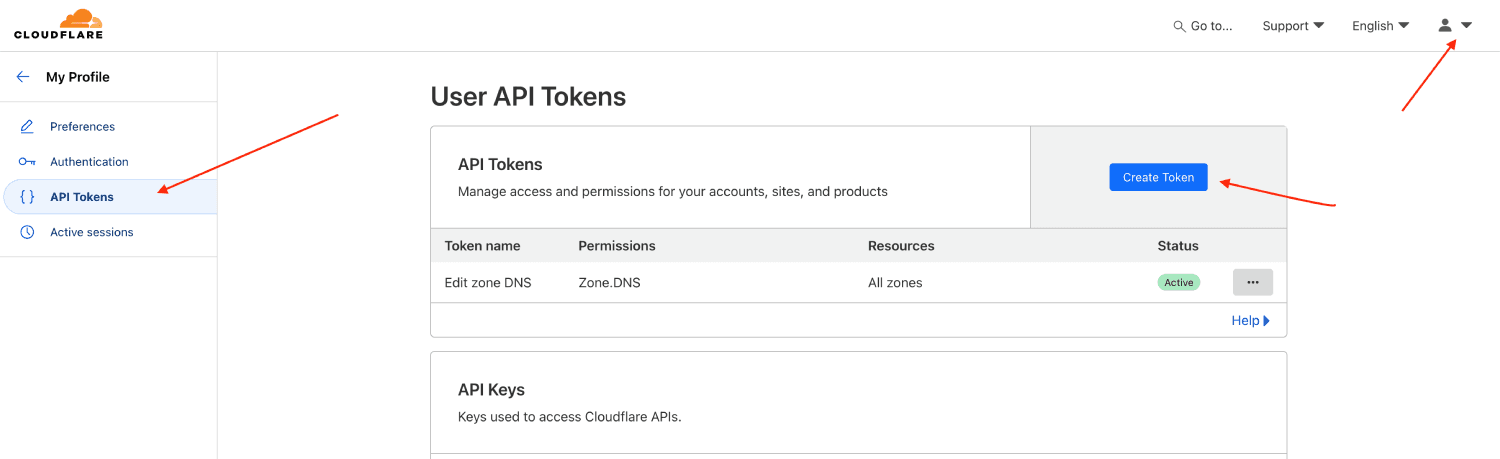
On the top right corner click Profile icon and navigate to the My Profile → API Tokens and click Create Token to generate new API Token.
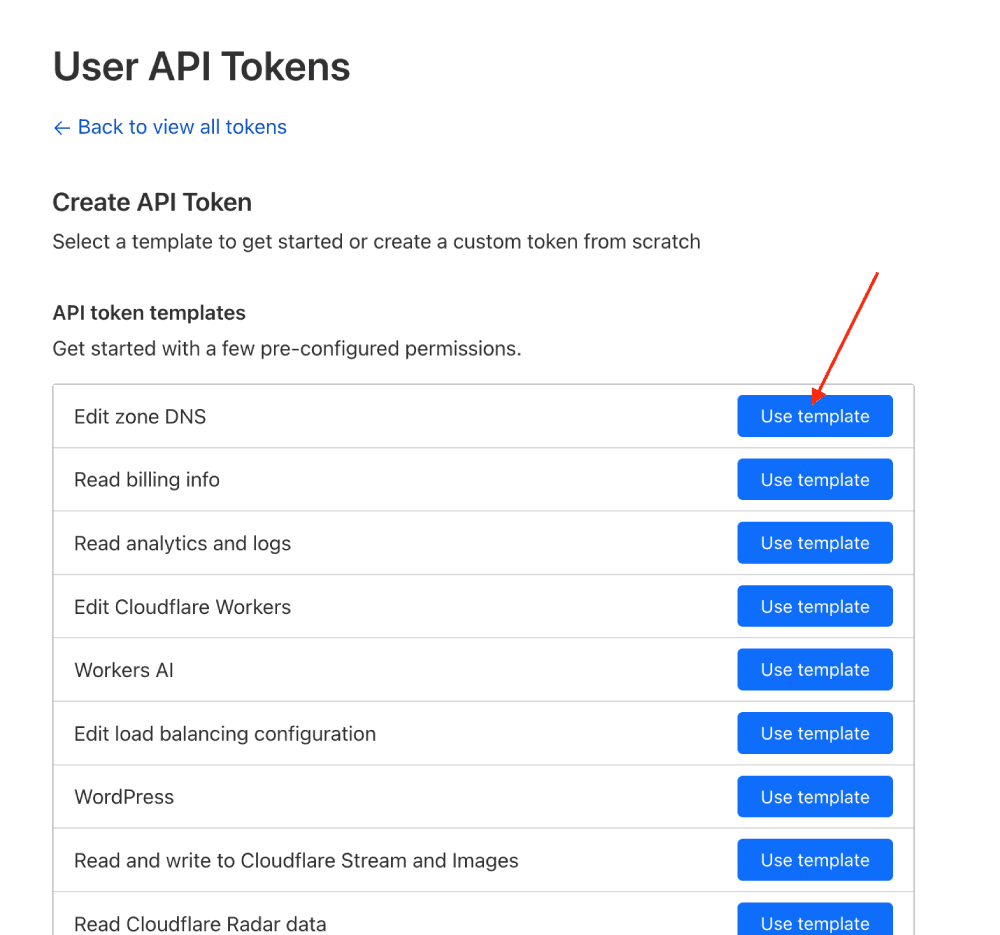
- Find Edit Zone DNS row and click Use template.
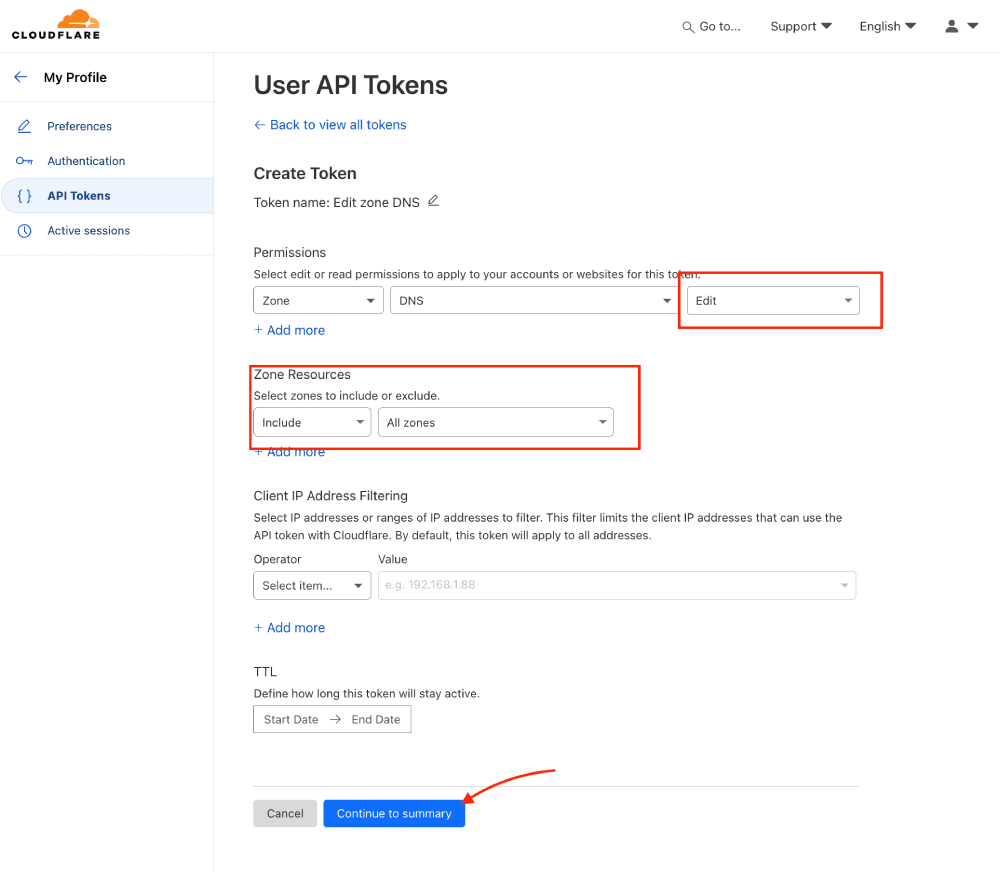
- Under permissions section select Edit and from Zone Resources section choose All Zones and click Continue to summary.
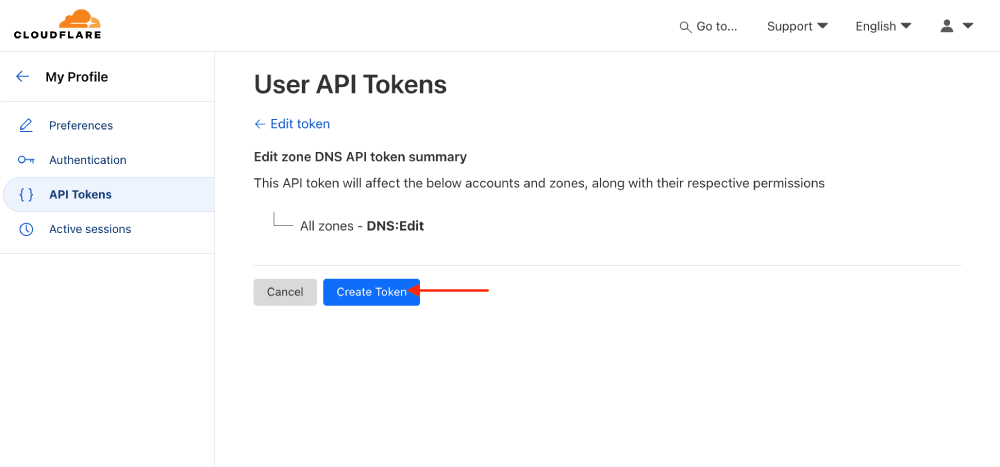
- On this step you will see overview of your API token permissions and then click Create Token.
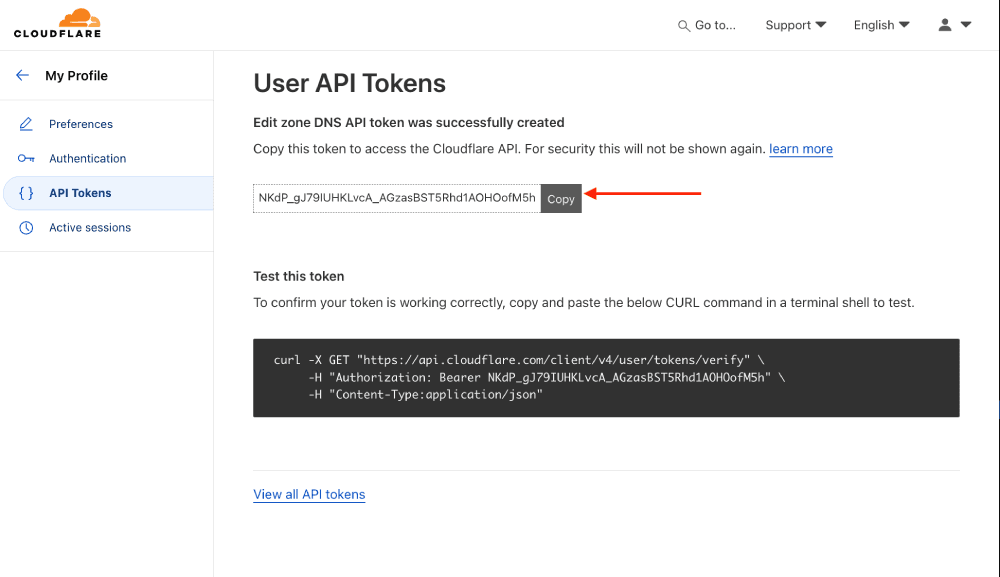
- Your API Token is now generated. Copy the value to clipboard.
Step 3. Add integration to Skro
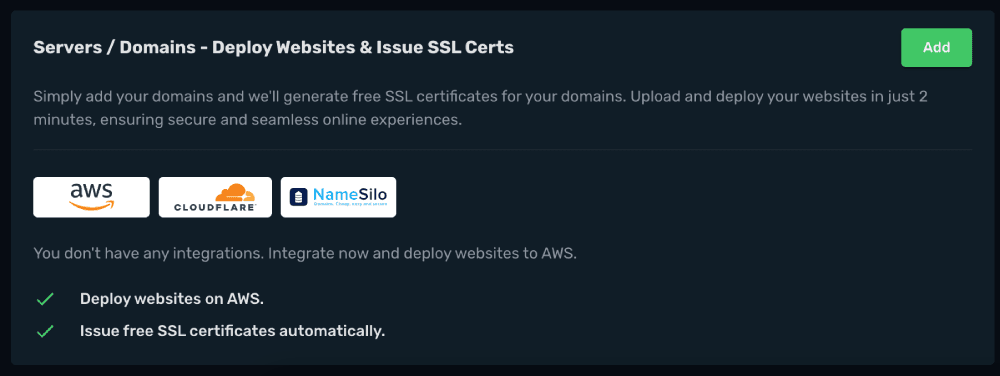
- Log in to Skro and navigate to the Settings → Integrations and scroll down to Servers / Domains - Deploy Websites & Issue SSL Certs section and click Add.
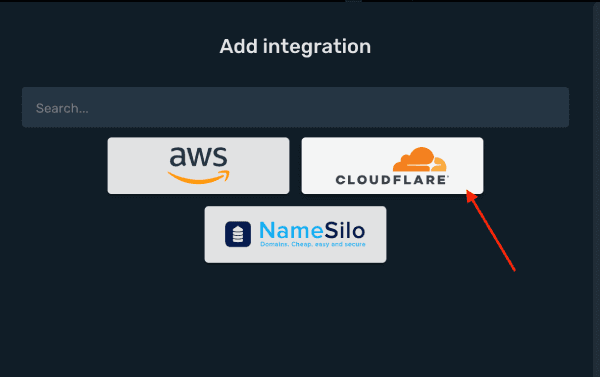
- Click Cloudflare logo.
- Add your Cloudflare API Token and click Save & Close.
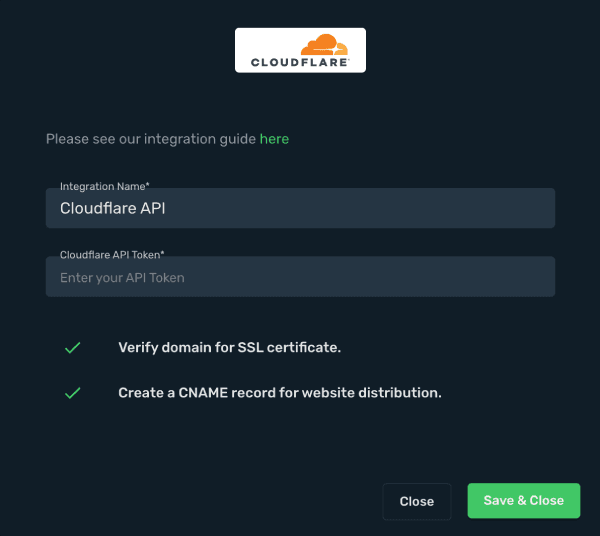
- Your Cloudflare API integration is connected.
Get started with website domain setup
Related guides
Need help with this guide? Contact Skro support.