

See what your ads
bring to checkout.
Connect storefront and checkout events to the campaigns that generated them. Skro supports Shopify, Hotmart, and Cartpanda workflows so order or payout data can join your advertising cost and conversion reporting.
Start with the Free plan. No credit card required.
Carry the click into checkout.
click_7f2a…- Shopify, Hotmart & Cartpanda
- Store & checkout event workflows
- Cost, revenue & ROAS
Connect with the tools in your workflow


The store has the order. Your campaign needs the connection.
A useful ROAS view needs both advertising cost and attributed conversion revenue. Preserve the tracking reference into checkout, then return the event through the workflow supported by your commerce platform.
Connect the platform you sell on
Use Shopify storefront and webhook setup, Hotmart completed-purchase webhooks, or Cartpanda S2S postbacks. Each platform has its own documented event path.
Separate the funnel stages
Track supported checkout, purchase, and upsell events using custom conversions. Choose which events contribute to total revenue and conversions to fit your setup.
Return useful conversion feedback
Configure supported source APIs and outgoing event mappings. Match the event name and conversion data to the destination platform’s requirements.
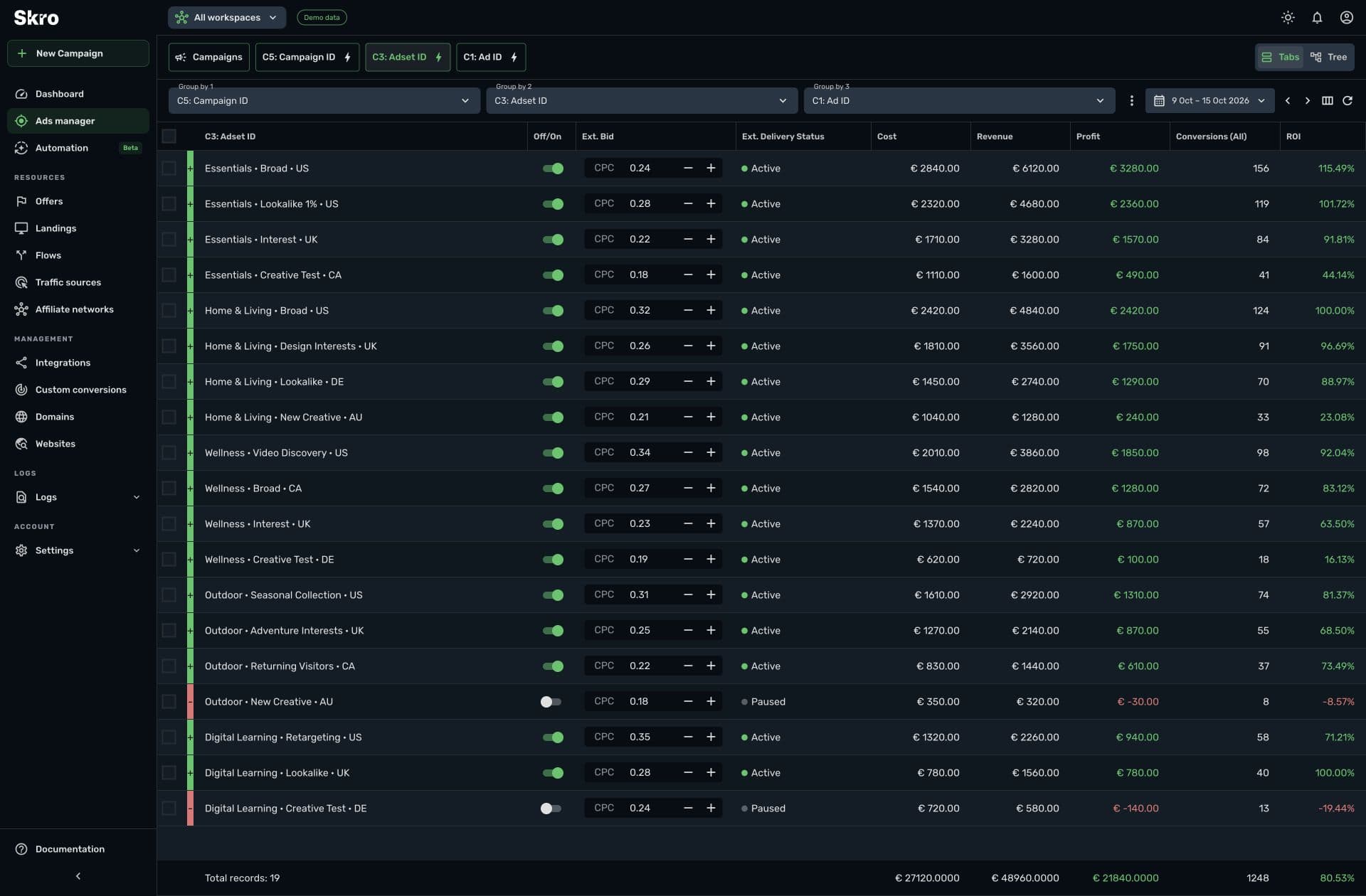
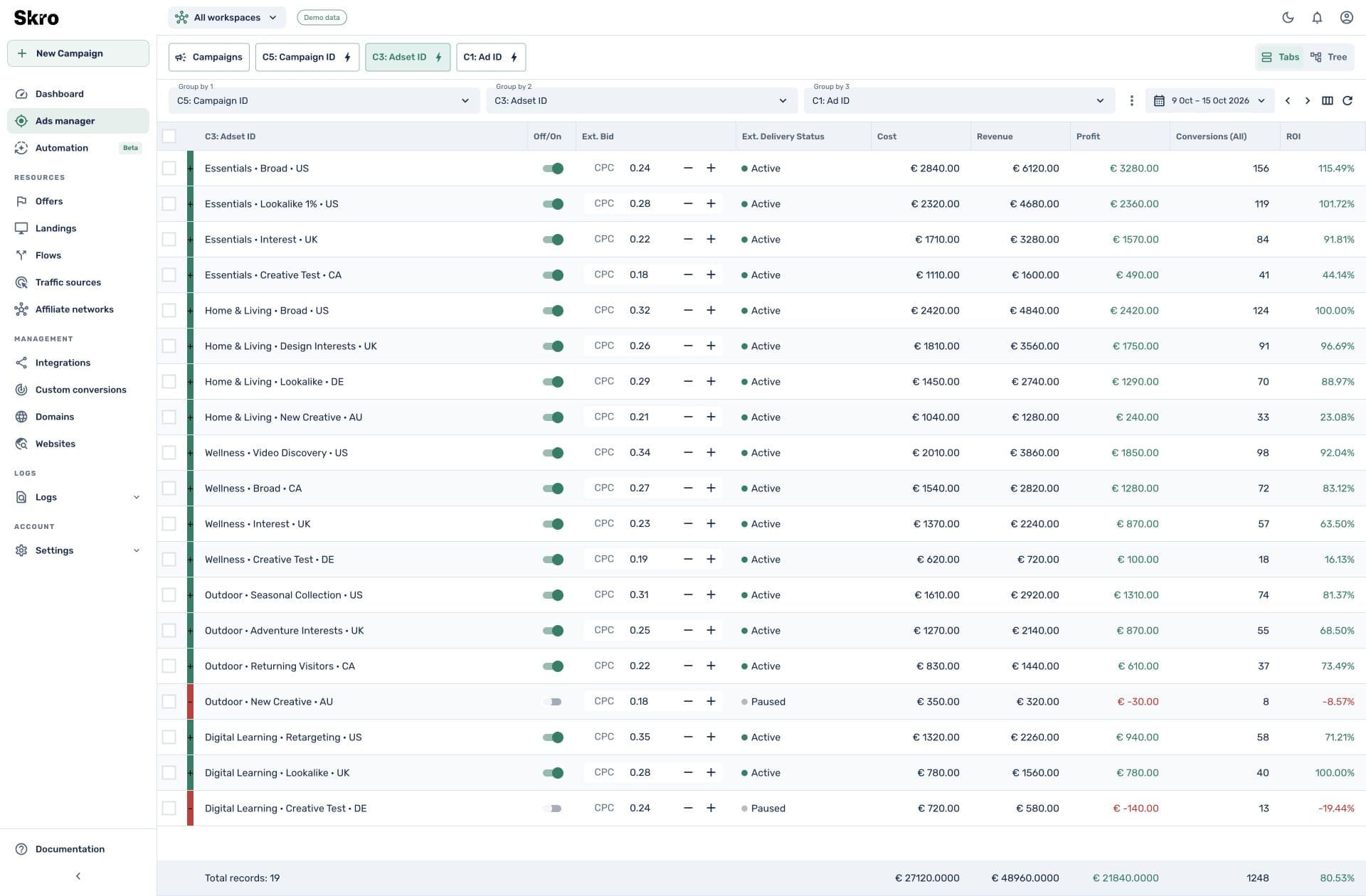
Order outcomes beside the cost of acquiring them.
Review revenue, campaign cost, profit, and ROAS in the same reporting workspace. Use custom event columns to understand the supported stages of your commerce funnel.
- Shopify order attribution using the preserved Skro click ID
- Hotmart PURCHASE_COMPLETE webhook workflow
- Cartpanda checkout, purchase, and upsell postbacks
Connect the checkout to your campaign.
- 01
Choose the platform guide
Follow the Shopify, Hotmart, or Cartpanda instructions for the events you want to track.
- 02
Preserve the click reference
Configure the destination parameters or storefront script so the event can return the Skro click ID.
- 03
Verify and report
Run a test event, check attribution and payout, and enable supported source delivery when the setup is ready.
Built to be set up.
Guides to get you there.
Follow the workflow for your platform, then test the full path before relying on campaign results.
Do all three platforms track the same events?
No. Shopify supports its documented storefront and webhook flows, Hotmart’s guide covers completed purchases, and Cartpanda supports the documented checkout, purchase, and upsell callbacks.
Can I track digital products as well as physical goods?
Yes. Hotmart and Cartpanda workflows can support digital-product offers, while Shopify connects supported storefront and order events. Follow the platform-specific setup.
Does Shopify tracking use browser storage?
The documented Shopify scripts use first-party cookies and session storage to preserve the click reference. The order webhook then returns conversion data server to server.
Can purchases be sent back to Meta or TikTok?
Yes, through correctly configured supported source integrations with valid event and matching data. Define the custom conversion and outgoing event mapping for the workflow.
Connect checkout outcomes to the next campaign decision.
Start with your commerce platform’s guide and build a reporting view around the events it returns.