

The conversion happens
on the phone.
Connect call events and their payouts to the campaigns that generated them. Use Skro with Ringba or Retreaver to preserve the original click ID and bring call conversions into your performance reporting.
Start with the Free plan. No credit card required.
Connect the call to the campaign.
click_7f2a…- Ringba & Retreaver guides
- Call events & payouts
- Custom conversion definitions
Connect with the tools in your workflow
Your call platform has the result. Your campaign needs it too.
When a visitor picks up the phone, the conversion moves beyond the landing page. Passing the Skro click ID into the call tracking setup lets the later event refer back to the campaign.
Connect the call journey
Configure your number pool, tracking tag, and URL parameters in the call platform using the integration guide for your flow.
Return the event that matters
Send call or purchase events and their payout through supported postbacks or webhooks. Define separate custom events if the workflow needs multiple stages.
Compare calls with campaign cost
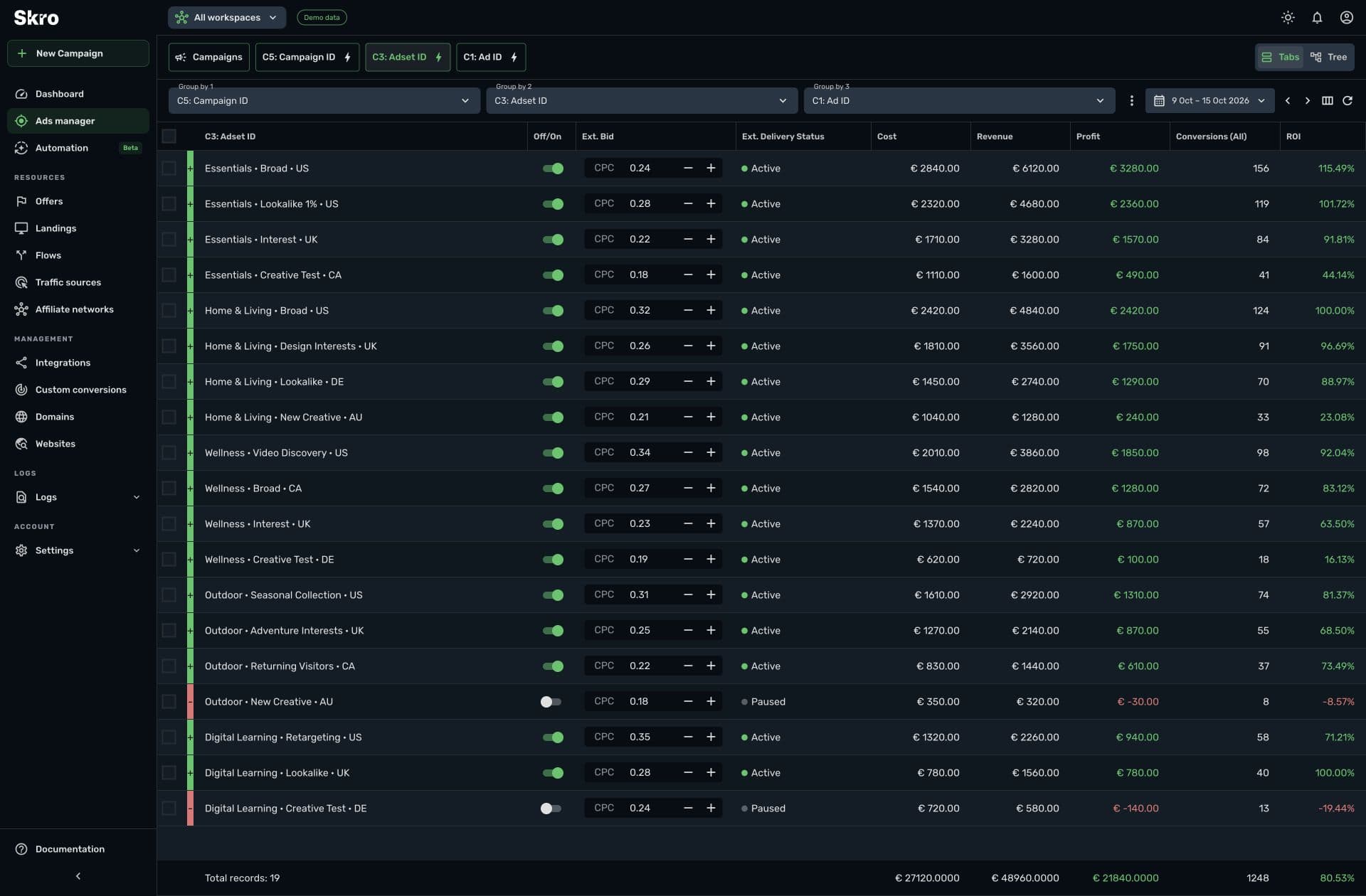
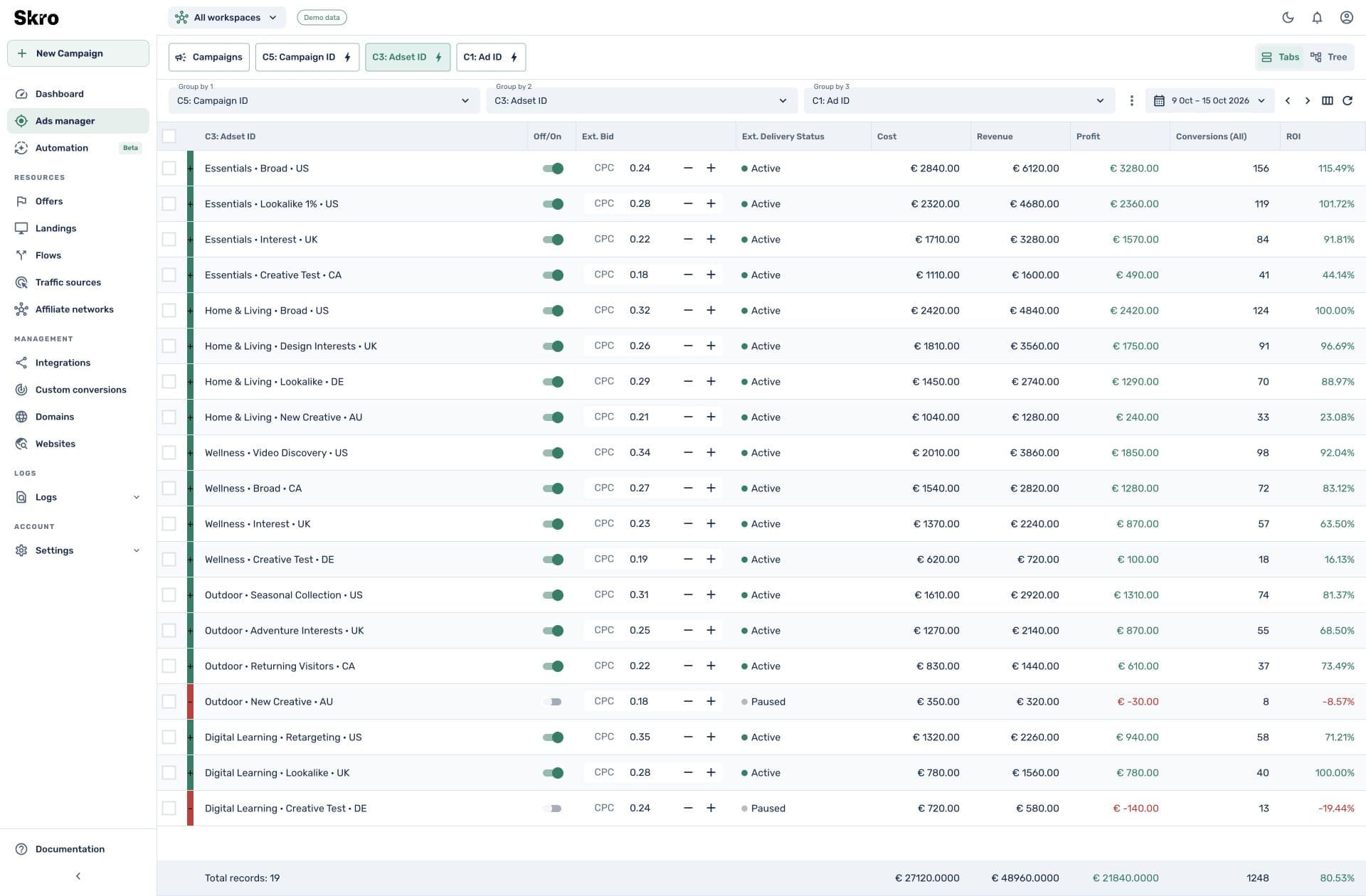
Bring attributed call events and revenue into the same reports as your other conversions, then evaluate campaign profit and ROI.
A phone call belongs in the campaign report.
Review call-driven outcomes alongside advertising cost and the source parameters captured on the visit. Use event definitions to keep an initial call distinct from a revenue-producing outcome.
- Setup guides for Ringba and Retreaver
- Click-ID mapping and event-specific callbacks
- Supported outgoing conversion delivery when configured
Connect the click to the call outcome.
- 01
Pass the click ID
Carry the Skro click ID from your campaign into the call platform’s tracking parameters.
- 02
Configure the callback
Map the call event, transaction reference, and payout in the platform’s postback or webhook settings.
- 03
Verify a test call
Check the resulting Skro conversion, event column, and payout before evaluating campaign performance.
Built to be set up.
Guides to get you there.
Follow the workflow for your platform, then test the full path before relying on campaign results.
Does Skro replace Ringba or Retreaver?
No. Those services handle the call tracking setup. Skro connects their supported callbacks with campaign attribution, revenue, and reporting.
Can I separate calls from purchases?
Yes. Define distinct custom events and configure the call platform to send the appropriate event values for your workflow.
Can call events go back to an ad platform?
Attributed events can use Skro’s supported conversion integrations when configured with valid event and source data. Follow the integration requirements for the destination platform.
Can another call platform work?
A platform that retains the Skro click ID and sends it in a compatible postback can use the S2S workflow. Ringba and Retreaver have dedicated setup guides.
Bring phone conversions into the picture.
Connect your call platform and track the outcomes behind your campaign spend.