

Connect your offers.
Follow your profit.
Track paid traffic through landing pages and offers, receive network conversions, and compare payouts with campaign cost. Keep your testing workflow connected from the first click to the returned event.
Start with the Free plan. No credit card required.
An ID that connects the journey.
click_7f2a…- Network templates & S2S postbacks
- Offers, landings & flows
- Profit by campaign & source
Connect with the tools in your workflow


Every test needs a result you can trace.
A network payout alone does not tell you which traffic to buy again. Skro connects the conversion with the click and source parameters so you can compare offers, landing pages, and campaigns with useful context.
Connect the network workflow
Use an available template or configure the network’s click-ID parameter and postback. Skro includes guides for ClickBank, Hotmart, and many other programs.
Build and test your flow
Organize offers and landings, use weighted distribution or rule-based routing, and configure the tracking method that fits the campaign.
Look at profit alongside traffic
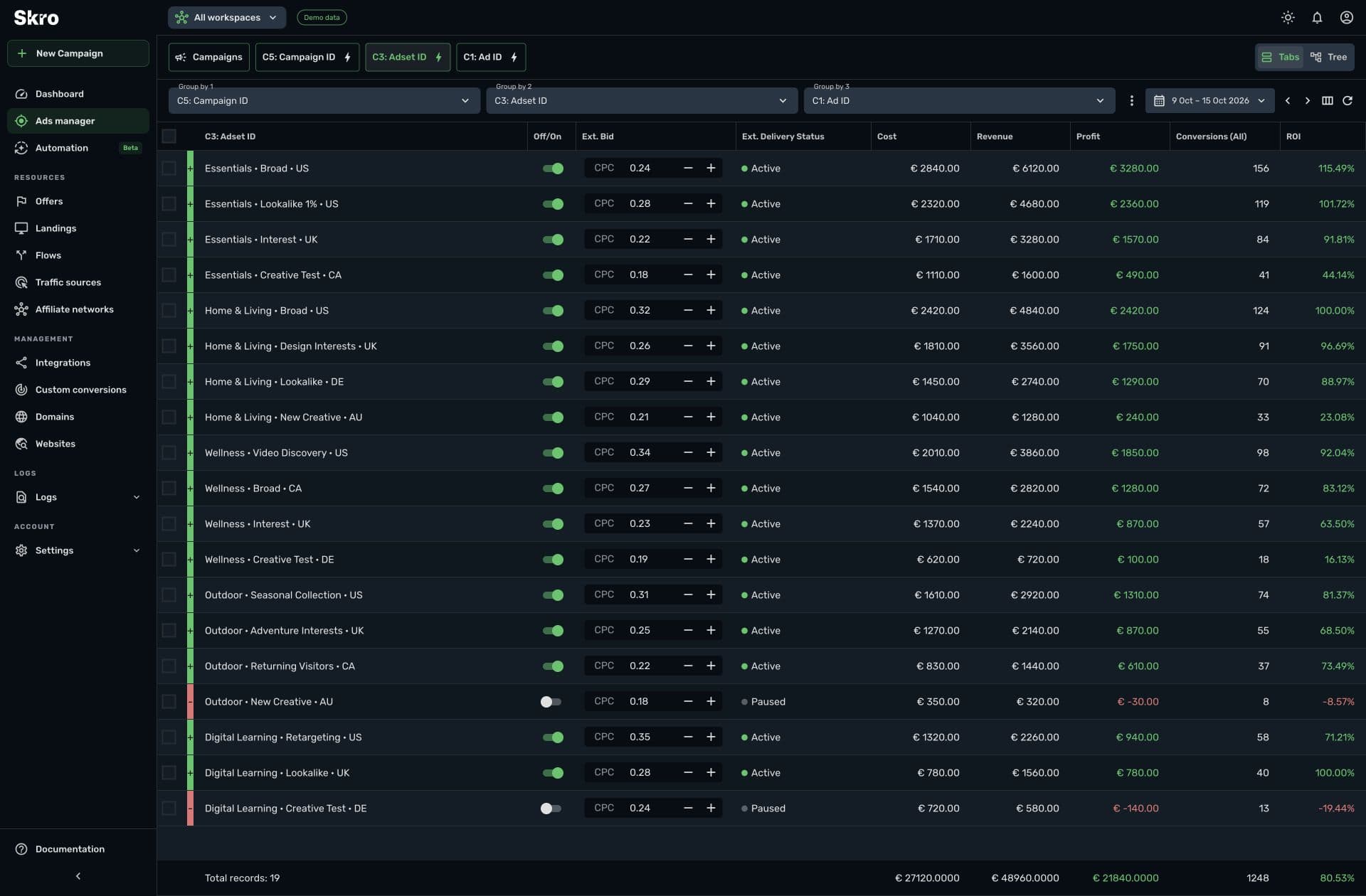
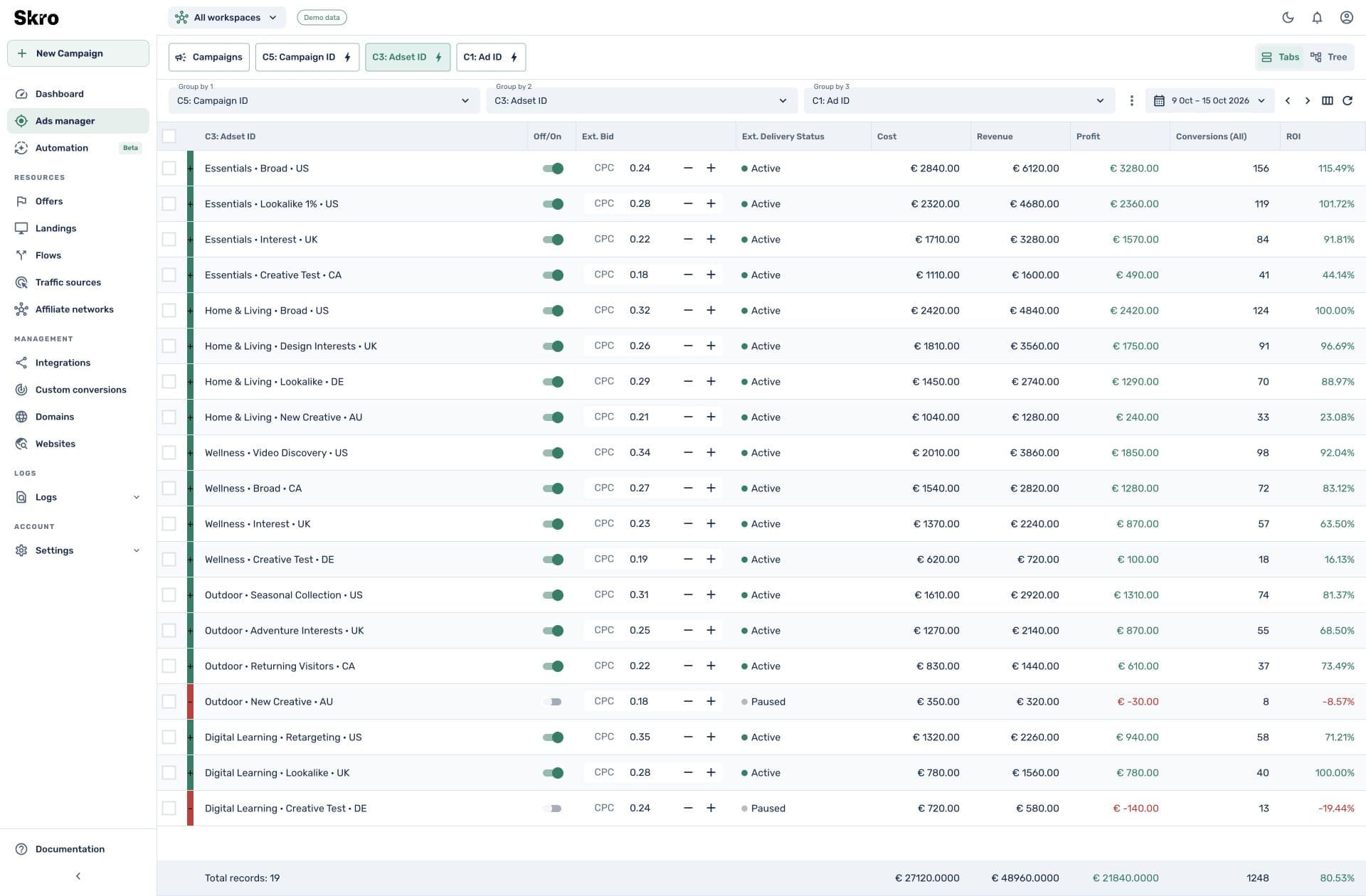
Bring source costs and returned payouts into reporting. Compare by campaign, offer, country, device, or custom source values, then inspect the underlying events.
A campaign report built around the offer’s return.
Use event and payout data from your conversion source beside advertising cost. Keep different funnel outcomes distinct with custom conversions and source-specific event mappings.
- Flexible cost models and supported automatic cost integrations
- Custom conversion events and multiple payout currencies
- Traffic-quality controls, source parameters, and tracking logs
Set up the test before spending on it.
- 01
Connect the offer
Add the network and destination, including the required Skro click-ID parameter.
- 02
Launch a verified flow
Create the campaign, choose its tracking method, and check that a test conversion returns correctly.
- 03
Review the result
Compare costs and payouts across your reporting dimensions, then adjust the next test or use supported campaign controls.
Built to be set up.
Guides to get you there.
Follow the workflow for your platform, then test the full path before relying on campaign results.
Which networks can I connect?
Use the integration directory for dedicated guides, or configure a compatible network postback with the original Skro click ID. Templates simplify supported provider setups.
Can I track purchases and upsells separately?
Yes. Custom conversion events can distinguish those stages when the network or checkout sends the corresponding callbacks.
Can I rotate landing pages or offers?
Skro supports flows, weighted traffic distribution, and routing rules. Configure the relevant destination and conditions around your campaign setup.
Can I automate my campaigns?
Meta Ads automation is available on paid plans. Configure an integrated Meta source, then use supported performance conditions or schedules.
Give your next offer test a clearer answer.
Connect the click, callback, and cost before you make the next budget decision.