

More campaigns.
One operating rhythm.
Bring campaign reporting, source integrations, and repeatable Meta actions into the team’s workspace. Keep the numbers and the next action close as your buyers test, review, and scale their campaigns.
Start with the Free plan. No credit card required.
- Team workspaces & roles
- Campaign-level cost & revenue
- Meta automation on paid plans
Connect with the tools in your workflow




A larger operation needs a shared view of performance.
When buyers use different reports and workflows, comparing campaigns takes longer than it should. Skro gives the team a consistent place to track outcomes, inspect details, and act on supported sources.
Organize the team’s assets
Use workspaces to organize campaigns, offers, and traffic sources. Assign members and roles around the responsibilities of your team.
Build a common reporting language
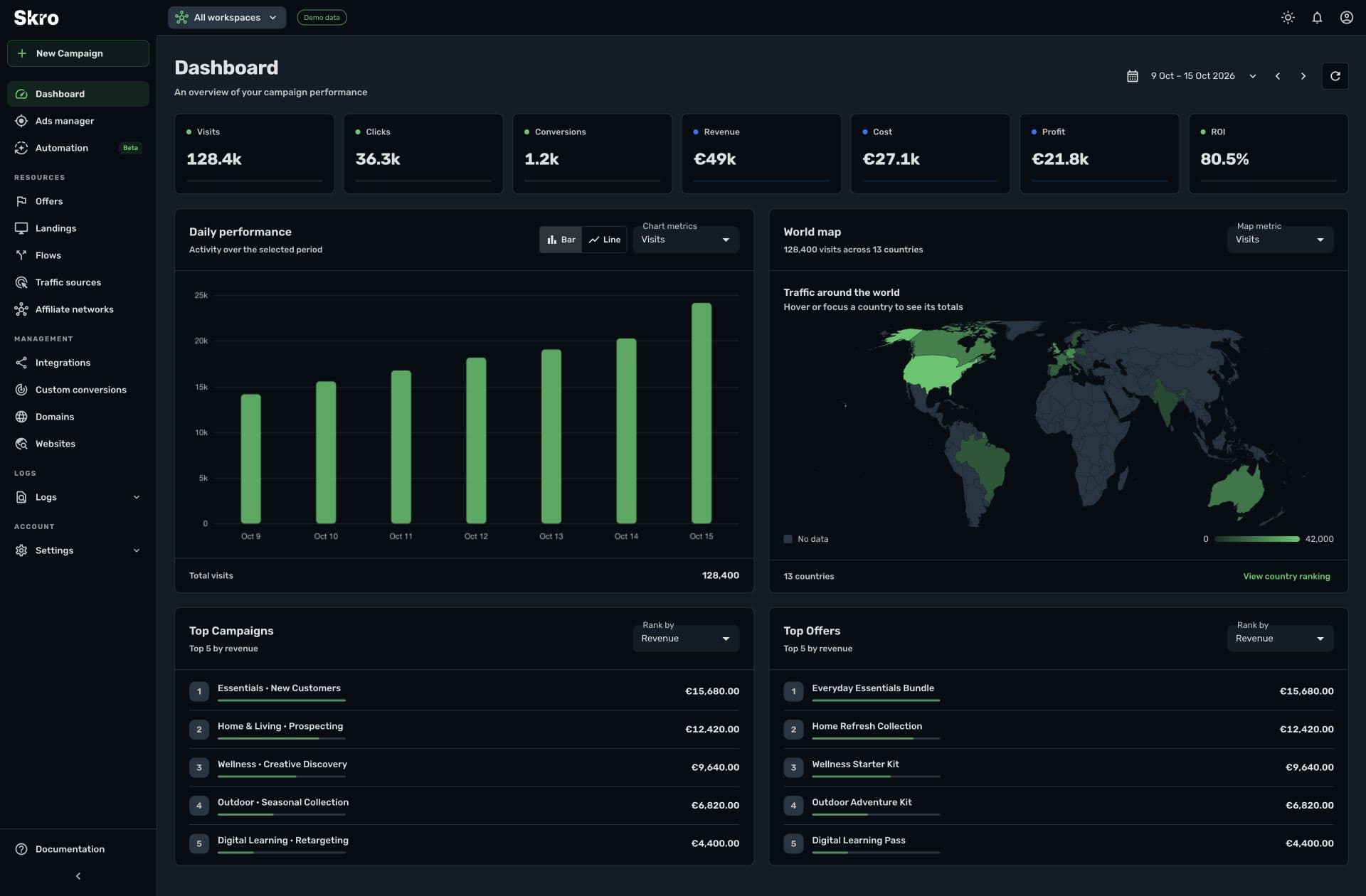
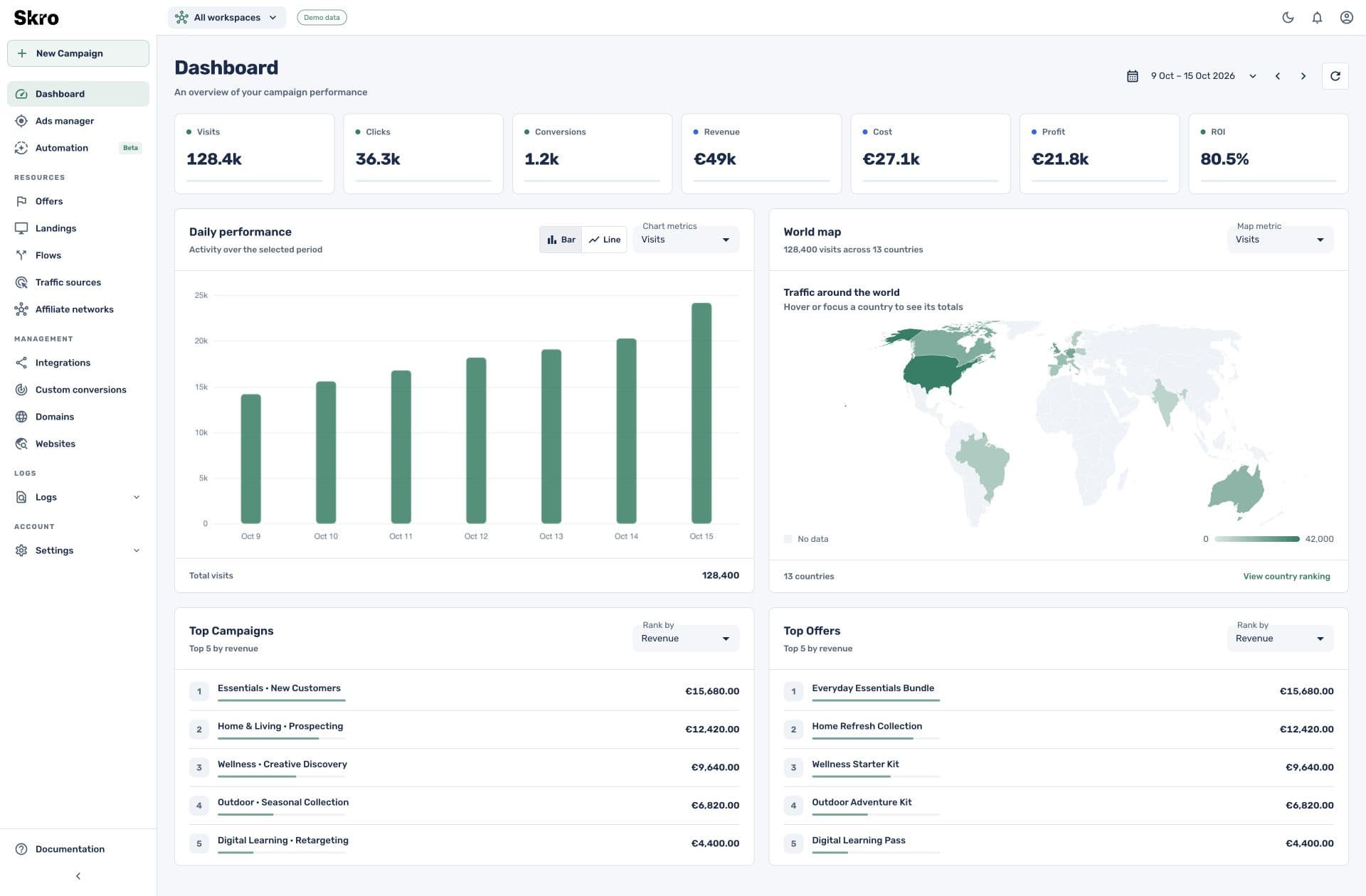
Compare cost, event counts, revenue, profit, and ROI with the same date range, currency, and reporting definitions. Use source and workspace filters to narrow the view.
Repeat the decisions that recur
Use Meta rules for supported status, budget, or notification actions. Define conditions, reporting periods, and run windows, then review the action logs.
Start with the operation. Drill into the campaign.
The dashboard brings together daily performance, geographic traffic, and rankings. Detailed reports and supported source controls help turn a broad review into a focused action.
- Shared reporting context with workspace and source filters
- Tabs and tree views for deeper investigation
- Event-based plan allowances, with larger Team and Enterprise tiers
Give the team a workflow it can repeat.
- 01
Set access and structure
Create workspaces and assign the team members who need to use them.
- 02
Standardize campaign setup
Map source parameters, define custom events, and verify conversion callbacks across your funnels.
- 03
Review and automate
Use reporting views for campaign reviews and introduce Meta rules around decisions the team has already validated.
Built to be set up.
Guides to get you there.
Follow the workflow for your platform, then test the full path before relying on campaign results.
Can I organize campaigns by team or buyer?
Use workspace organization and member assignments to structure access and campaign assets. Configure the grouping around your team’s operating model.
Is automation available across every traffic source?
The current rules engine supports Meta Ads. Other integrations offer their own reporting and supported manual campaign controls.
Can the team export performance data?
Yes. CSV exports and reporting API access support workflows outside the Skro interface. Keep reporting filters and currency consistent when comparing results.
Which plan fits a larger team?
Team and Enterprise include multiple users and larger event allowances. The pricing page lists the current user count, event capacity, integrations, and reporting history.
Make campaign operations easier to coordinate.
Give the team a shared tracking setup and a clear route from campaign review to action.