

ExoClick integration
Set up ExoClick tracking in Skro, configure traffic source parameters, and connect your advertising campaigns.
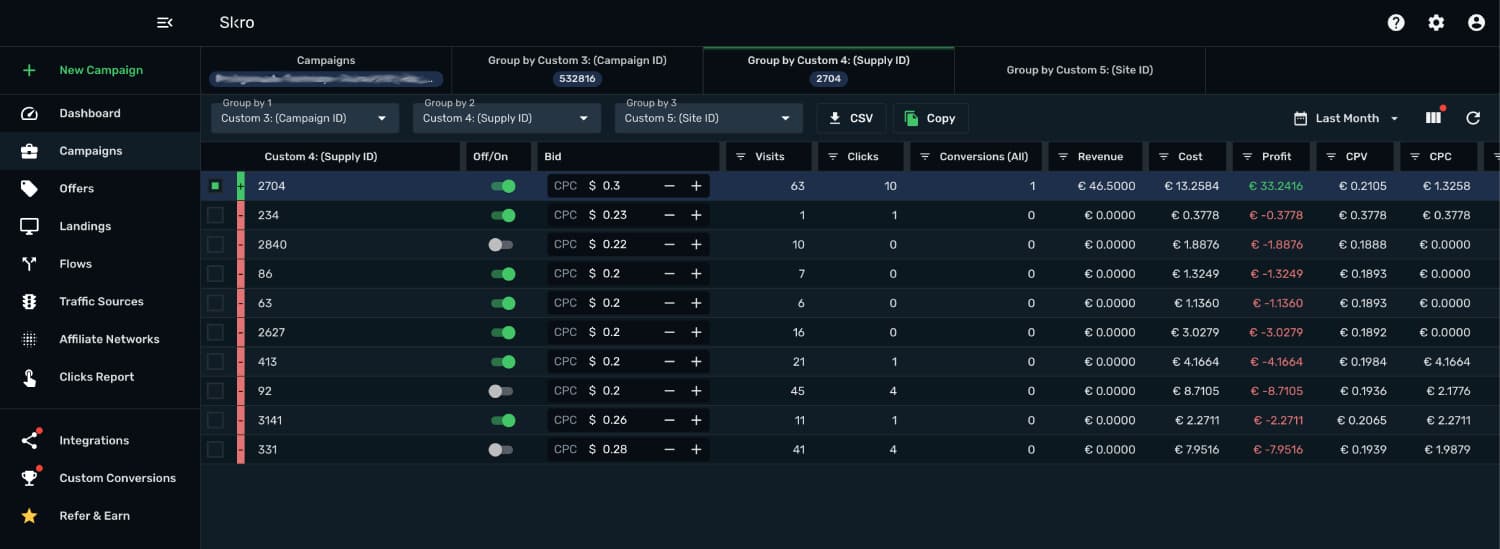
ExoClick integration gives you the ability to manage and optimize all your ExoClick ads through the Skro interface.
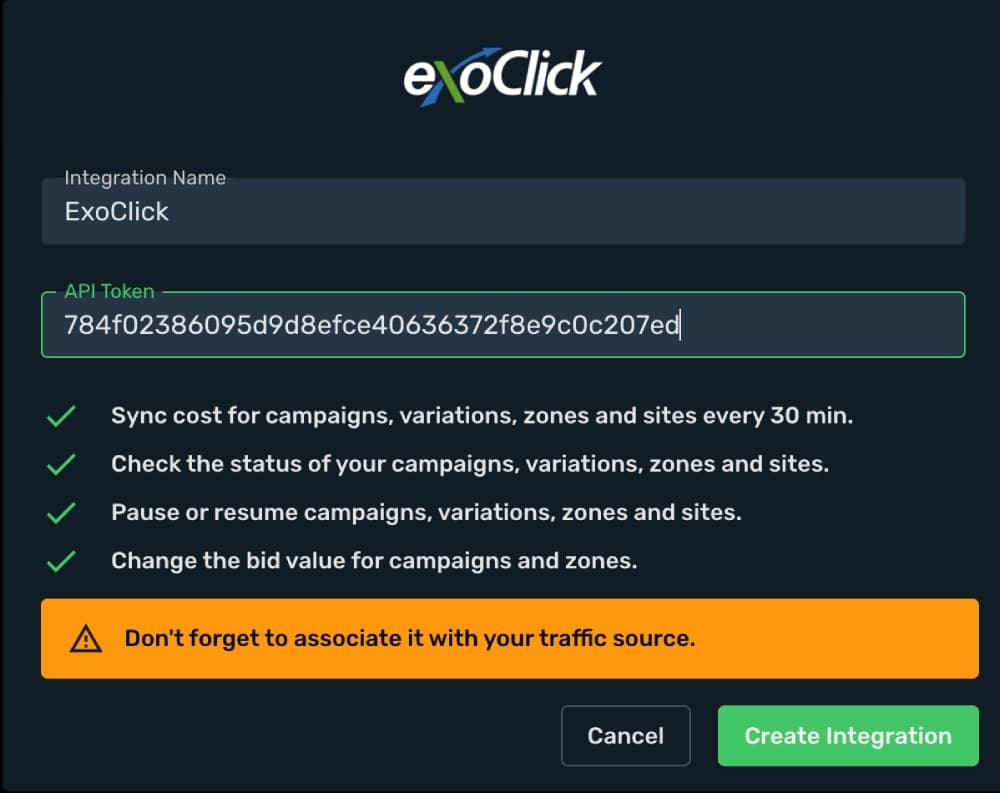
- Sync cost for campaigns, variations, zones and sites every 30 min.
- Check the status of your campaigns, variations, zones and sites.
- Pause or resume campaigns, variations, zones and sites.
- Change the bid value for campaigns and zones.
How to generate ExoClick API token?
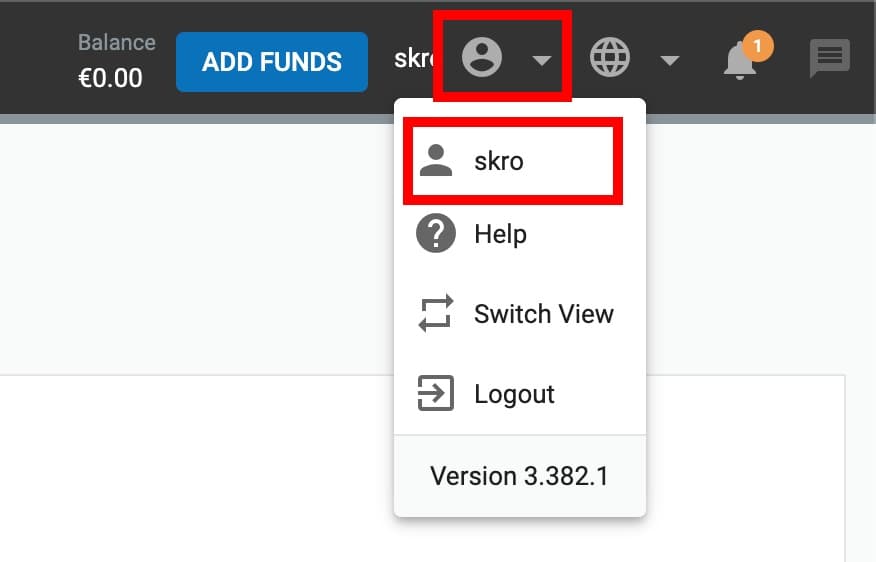
- Log in to your ExoClick account.
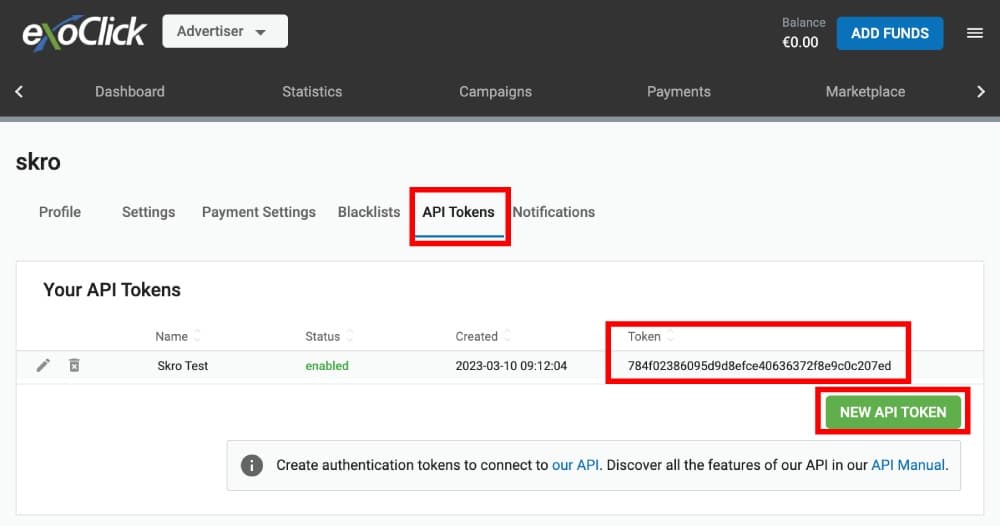
- Navigate to Profile → API Tokens.
- Click New API Token and copy the token to clipboard.
Add integration to Skro
- Log in to your Skro account.
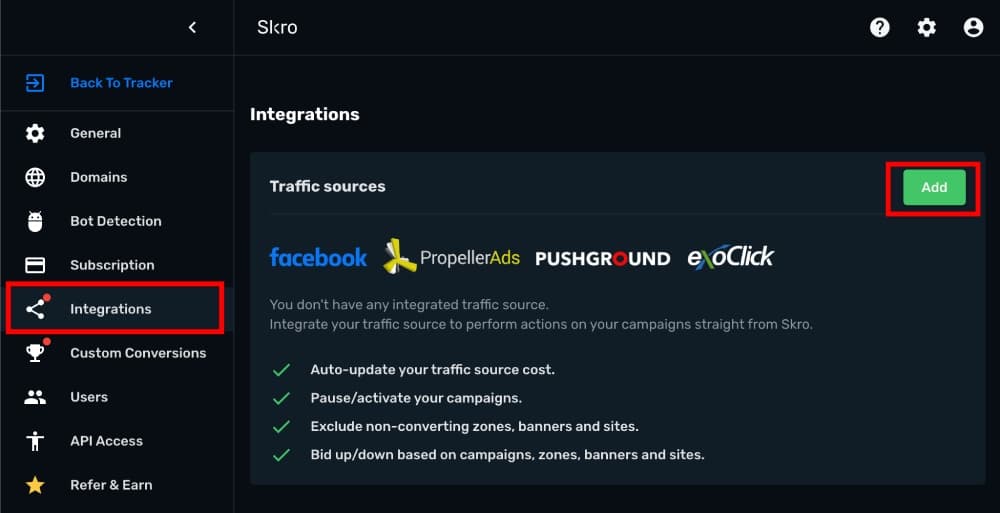
- Navigate to Integrations.
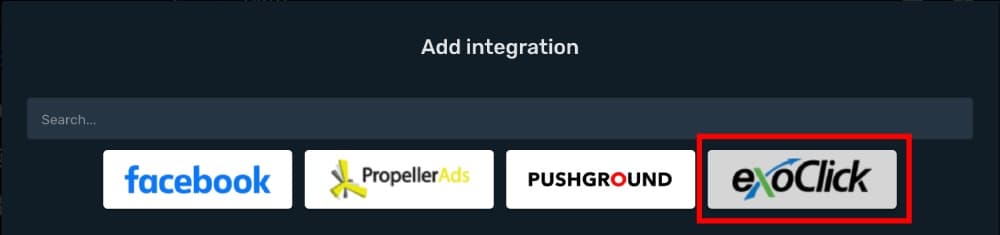
- In the Traffic Sources section click Add.
- Click ExoClick logo.
- Paste the ExoClick API Token to API Token field and click Create Integration.
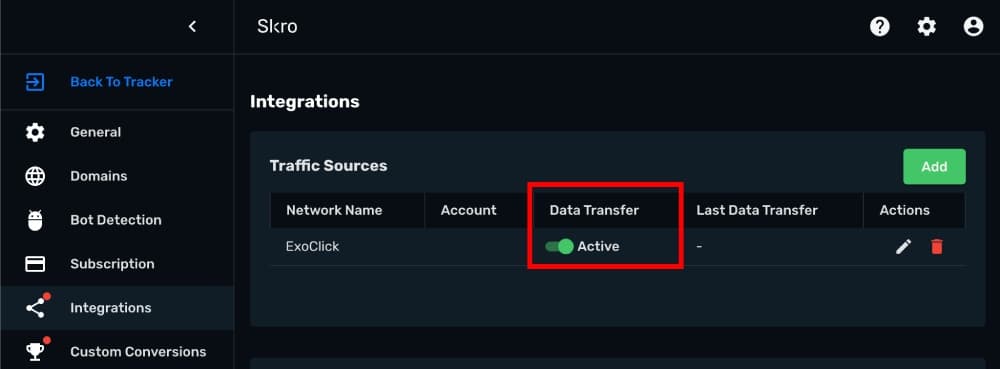
- You can turn on/off auto-cost update through Data transfer switch.
Setup Postback URL and associate the integration with ExoClick traffic source.
- Log in to your ExoClick account.
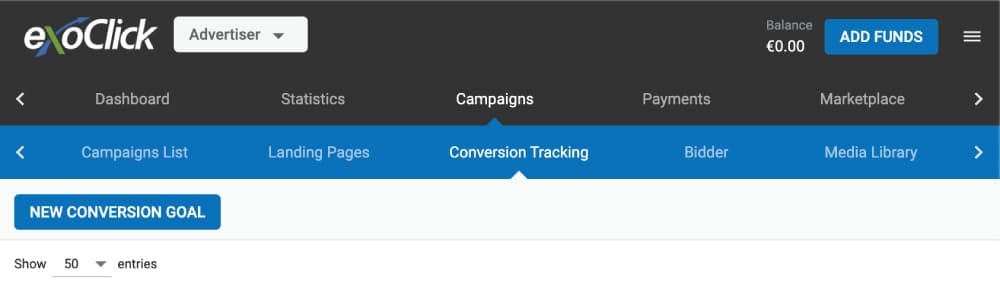
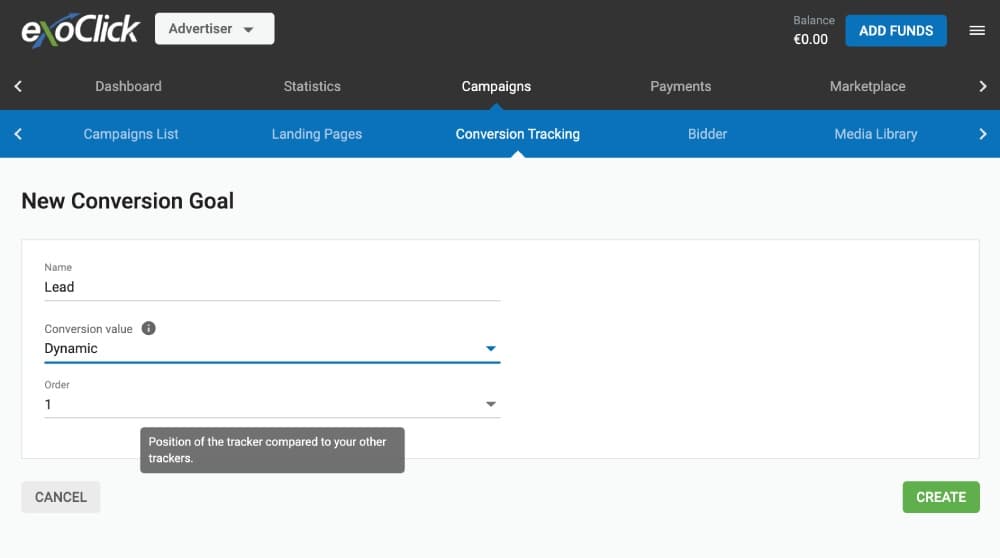
- Navigate to the Campaigns → Conversion Tracking.
- Click New Conversion Goal.
- Enter goal name.
- Set Conversion value dynamic then we can send payout value over postback URL with parameter &value=
{payout} - Click Create.
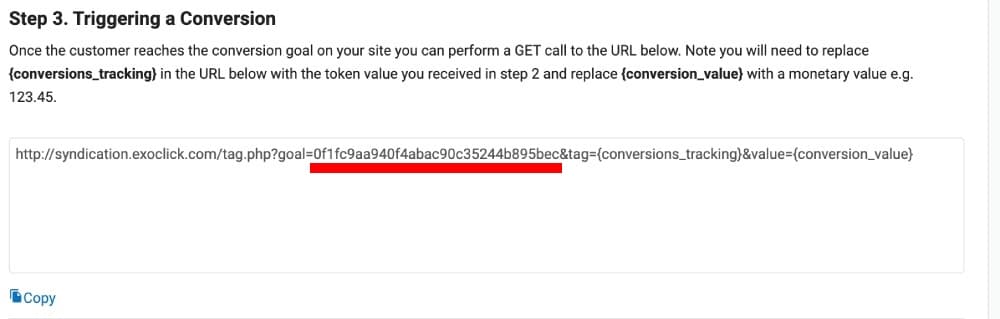
- Copy the goal parameter value from postback URL in section Step 3. Triggering a Conversion
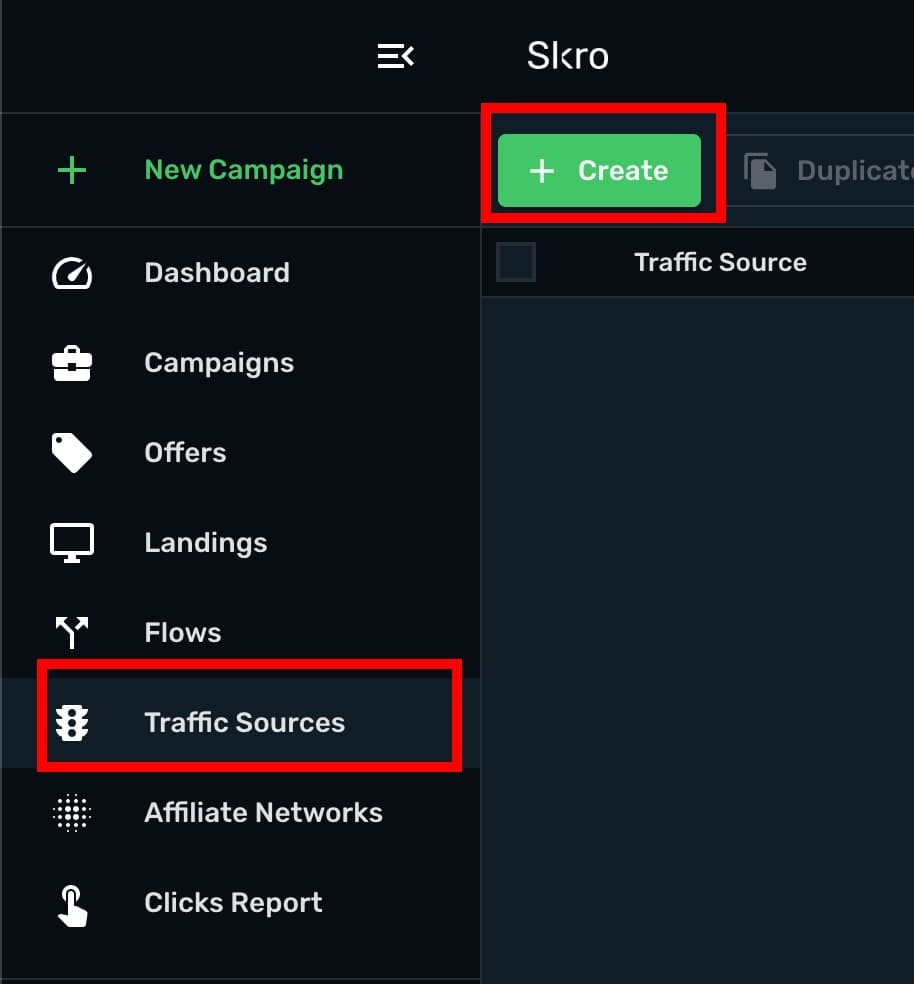
- Go back to Skro and create a new traffic source.
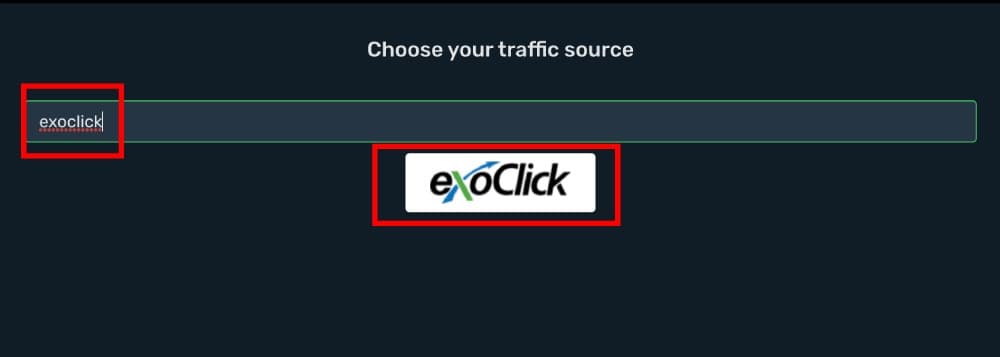
- Click ExoClick logo.
- Replace goal value REPLACE with your goal value from ExoClick. In this example the value is 0f1fc9aa940f4abac90c35244b895bec.
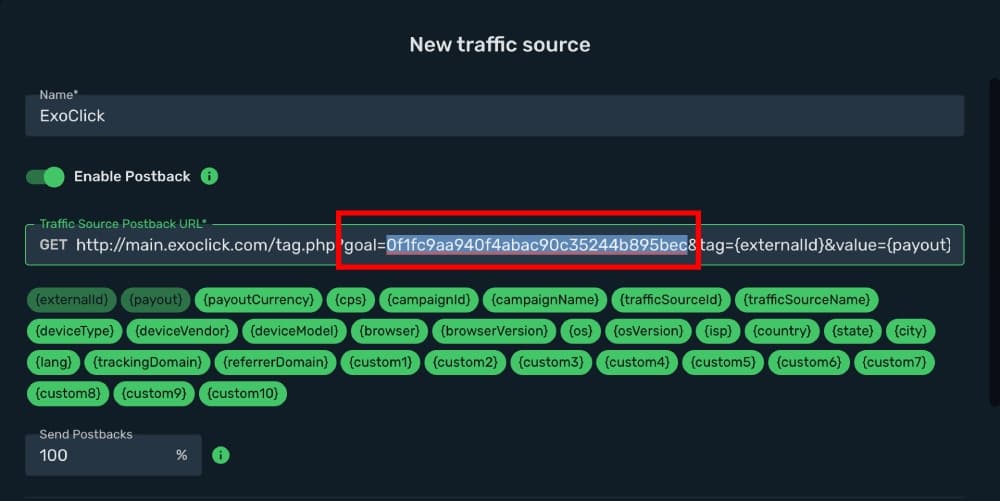
- Add integration association.

- All parameters are prefilled.
- Click Save & Close.
The integration is ready. Continue by creating a campaign.
Verify the setup
Open the generated campaign URL and check that the visit appears in Skro. Confirm that traffic source macros resolve to actual values. If you send conversions back to the source, verify a test conversion in both systems.
Troubleshooting
If data is missing, check the selected workspace, integration, campaign, and reporting date range. Compare parameter names and macro values with the examples in this guide before repeating the test.
Related guides
Need help with this guide? Contact Skro support.